
In this guide
Getting startedConnect Claude Code or CodexYour first sessionThe Inbox and statusesBring in a session from another terminalPet StudioTerminal themesPrivacy and safetyTroubleshootingUninstallPet Studio
Make a pet that reacts to your agents: describe it, draw it, or import a sprite sheet.
Make a pet
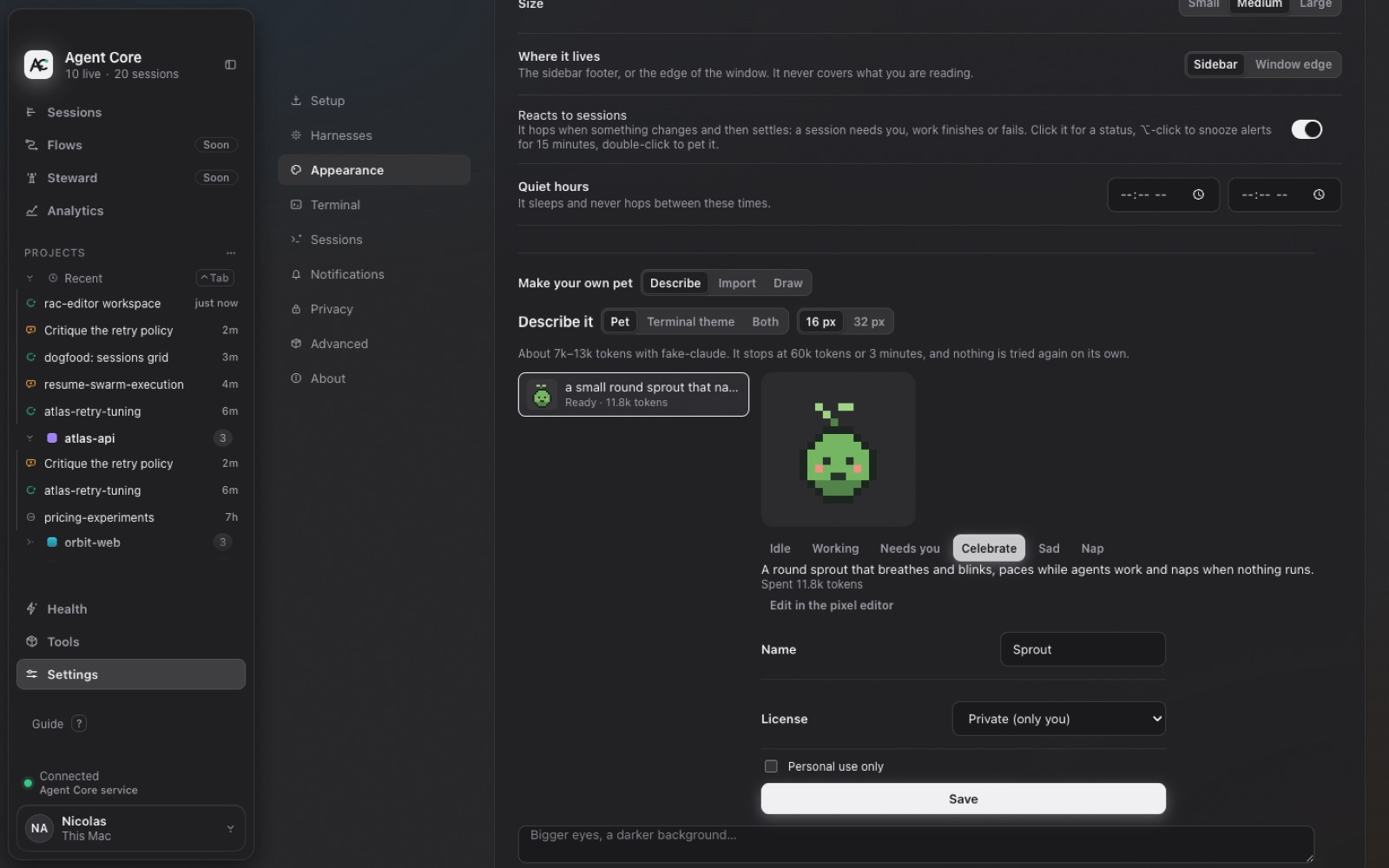
Open Settings → Appearance → Make your own pet and choose a way in:
- Describe
- Write what you want, like “a small round sprout that naps when nothing runs”. Your own Claude Code or Codex draws it, in a sandbox with no access to your projects. You see the cost before and after, try its reactions, and refine it with follow-ups.
- Draw
- Draw it on a 16 or 32 px canvas, up to 8 frames for each pose.
- Import
- Load a sprite sheet. Agents Keeper guesses the frame size and maps rows to poses.
Personal-use packs and sharing
Pets are saved as packs on your Mac, Private by default. Export a pack as an .acpack file or a folder for your own GitHub repo, or share a pet card image.
If you make a character you don't own, mark the pack Personal use only. It stays on your Mac, can't enter any community gallery, and its card has no install link. Publishing characters you don't own may infringe someone's rights.
What the pet does
It hops when a session needs you, then settles. Click it to see what's going on; when something waits, the bubble opens it. ⌥-click snoozes alerts for 15 minutes; double-click pets it. It sleeps under Focus and quiet hours.